
Order Tracking & History
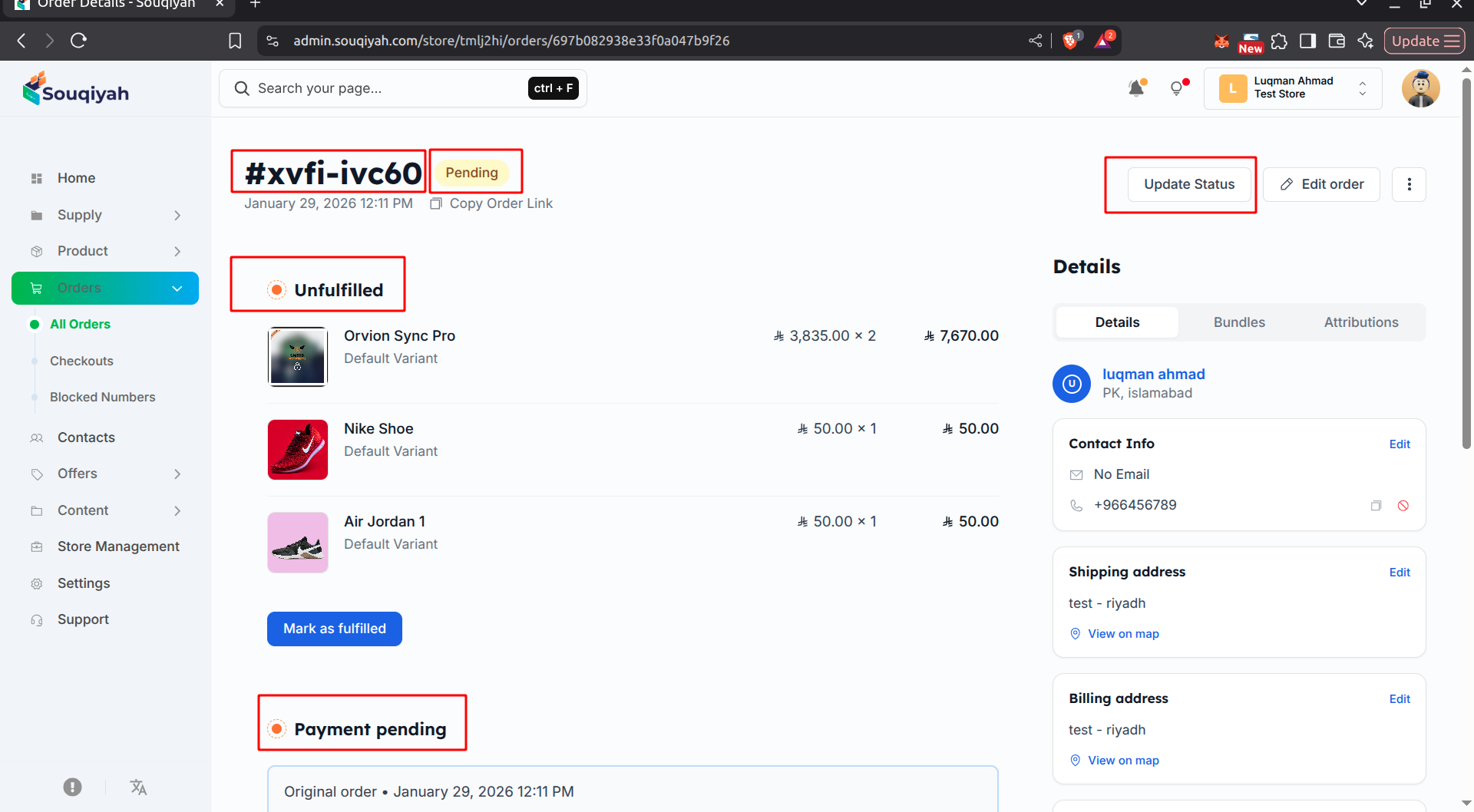
Understanding Order Tracking
- Tracking lets customers track shipments
- You can monitor order progress
- View complete order history
- Track all status changes
Viewing Tracking Information
Step 1: Opening Order Details
- Go to the Orders page
- Click the order you want to track
- Or click "View" in the Actions column
Step 2: Finding Tracking Information
- In the fulfillment section at the top
- Shows tracking details if the order is fulfilled
- Displays tracking number, link, and carrier
Step 3: Tracking Information Display
- Tracking Number: Unique number from your shipping carrier
- Tracking Link: Clickable link to carrier’s tracking page
- Carrier: Shipping company name
Using Tracking Information
For Customers
- Customer receives tracking number
- Can track on carrier’s website
- Monitor shipment progress
- Receive delivery updates
For You
- Monitor shipment status
- Verify delivery
- Handle delivery issues
- Update order status when delivered
Order History
What is Order History?
- Complete record of order changes:
- Status changes
- Payment updates
- Fulfillment updates
- Notes and comments
- Timestamps for all changes
Viewing Order History
- Open order details
- Look for History or Timeline section
- Shows all changes in chronological order
- Each entry shows:
- Date and time
- What changed
- Who made the change
- Previous and new values
History Events
Order Created
- When order was placed
- Initial status
- Customer information
- Order total
Status Changes
- Each status update
- Previous status
- New status
- Timestamp
Payment Updates
- Payment received
- Payment failed
- Refund issued
- Payment method changes
Fulfillment Updates
- Order fulfilled
- Tracking added
- Shipping updates
- Delivery confirmation
Notes and Comments
- Internal notes
- Customer communications
- Special instructions
- Issue resolutions
Tracking Best Practices
- Add tracking information promptly
- Enter correct tracking numbers
- Verify tracking links work
- Keep tracking information current
- Send tracking info to customers
- Notify customers of status changes
- Monitor shipments regularly
- Review order history to identify issues