
Product Visibility & Status
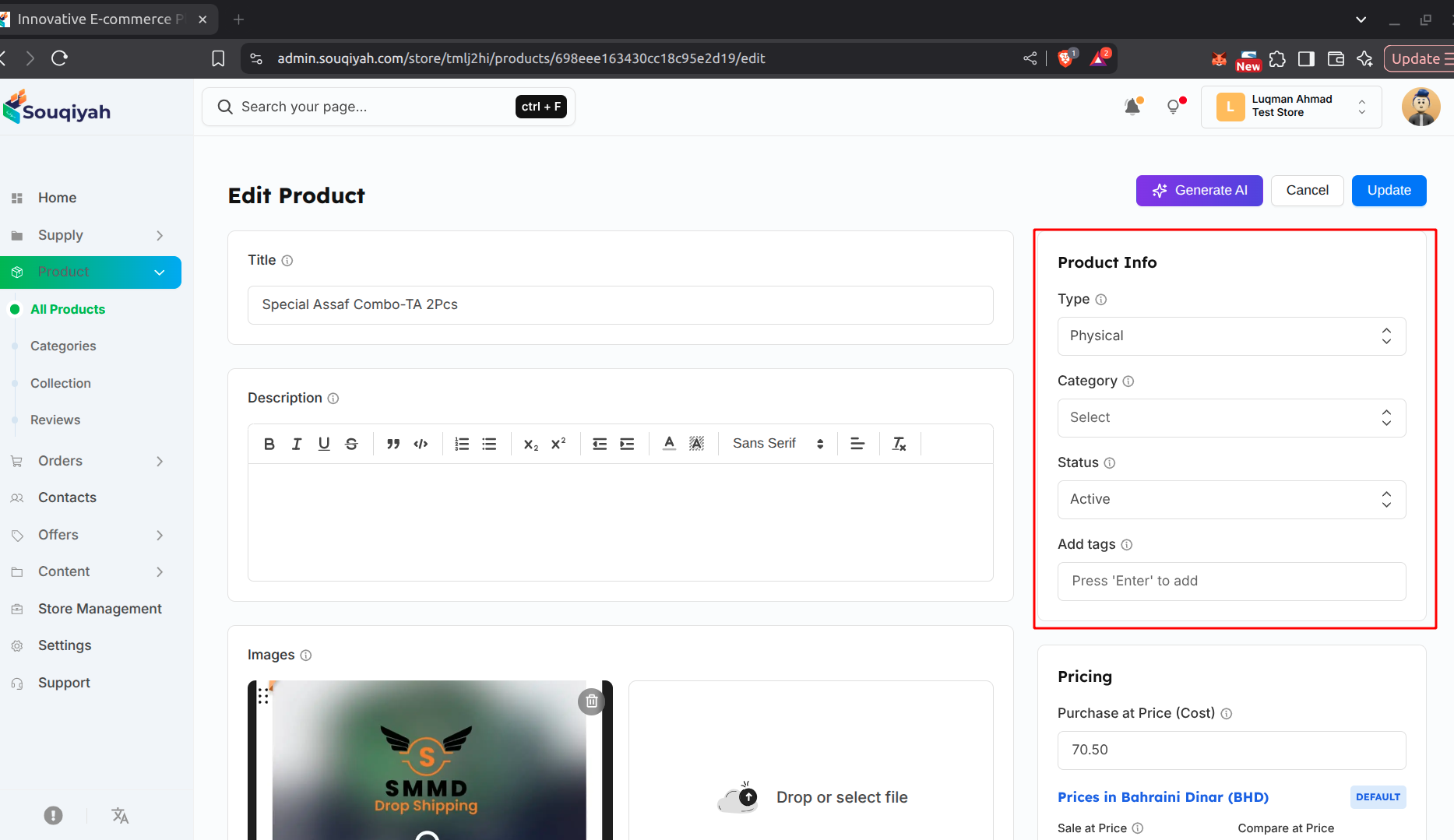
Product Status Options
- Draft: Not visible to customers (work in progress)
- Pending: Waiting for approval
- Publish: Live and visible to customers
How to Change Status
- Open the product edit page
- Find the Status dropdown on the right
- Select the new status
- Save the product
Product Availability
- Online Only: Available online (default)
- Coming Soon: Not available yet (shows "Coming Soon")
- Offline Only: Physical store only
Making Products Visible
- Set status to "Publish"
- Set availability to "Online Only"
- Make sure stock is available
- Save the product
- Check your store to confirm it appears
Hiding Products
- Set status to "Draft" to hide temporarily
- Or set availability to "Offline Only"
- The product stays in your system and can be republished later
Tips
- Use Draft while you’re still working on a product
- Publish when everything is ready
- Hide products temporarily instead of deleting them