
Managing Product Variants
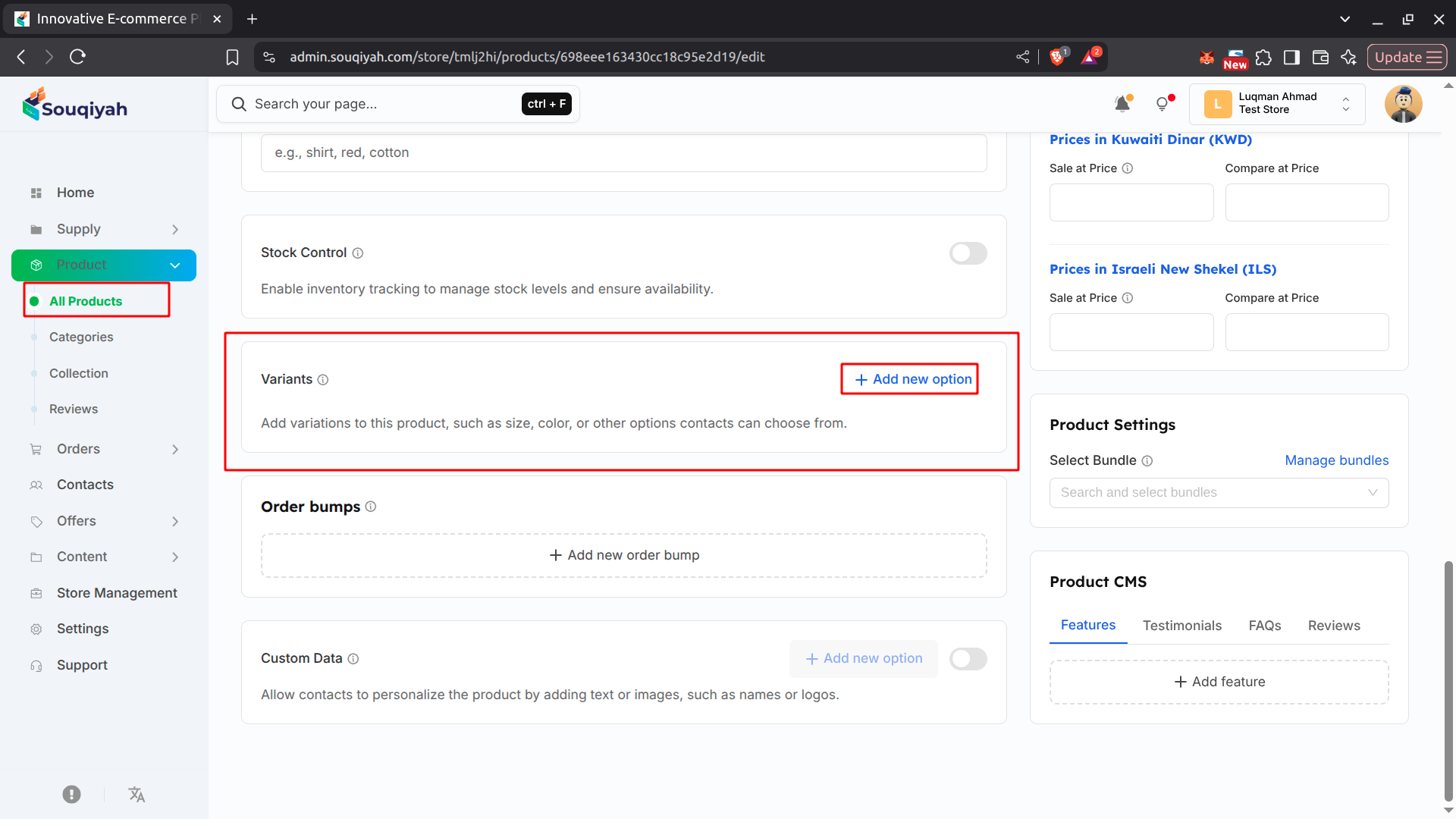
What Are Variants?
- Use variants when a product comes in different sizes, colors, or styles
- Each variant can have its own price and stock
Creating Variants
- Go to the Variants section on the left
- Click "Add Variant Option"
- Enter the option name (e.g., "Size")
- Choose how to display: Text, Color, or Image
- Add values (e.g., Small, Medium, Large, XL)
- The system creates all combinations automatically
Setting Up Each Variant
- For each combination:
- Set the price
- Enter stock quantity (if tracking)
- Add a variant image (optional)
- Customize the SKU (optional)
Editing Variants
- Find the variant in the table
- Click to edit price, stock, or SKU
- Click the delete icon to remove a variant
Tips
- Use clear option names
- Keep value names consistent
- Set prices that reflect cost differences