
Contact Segmentation
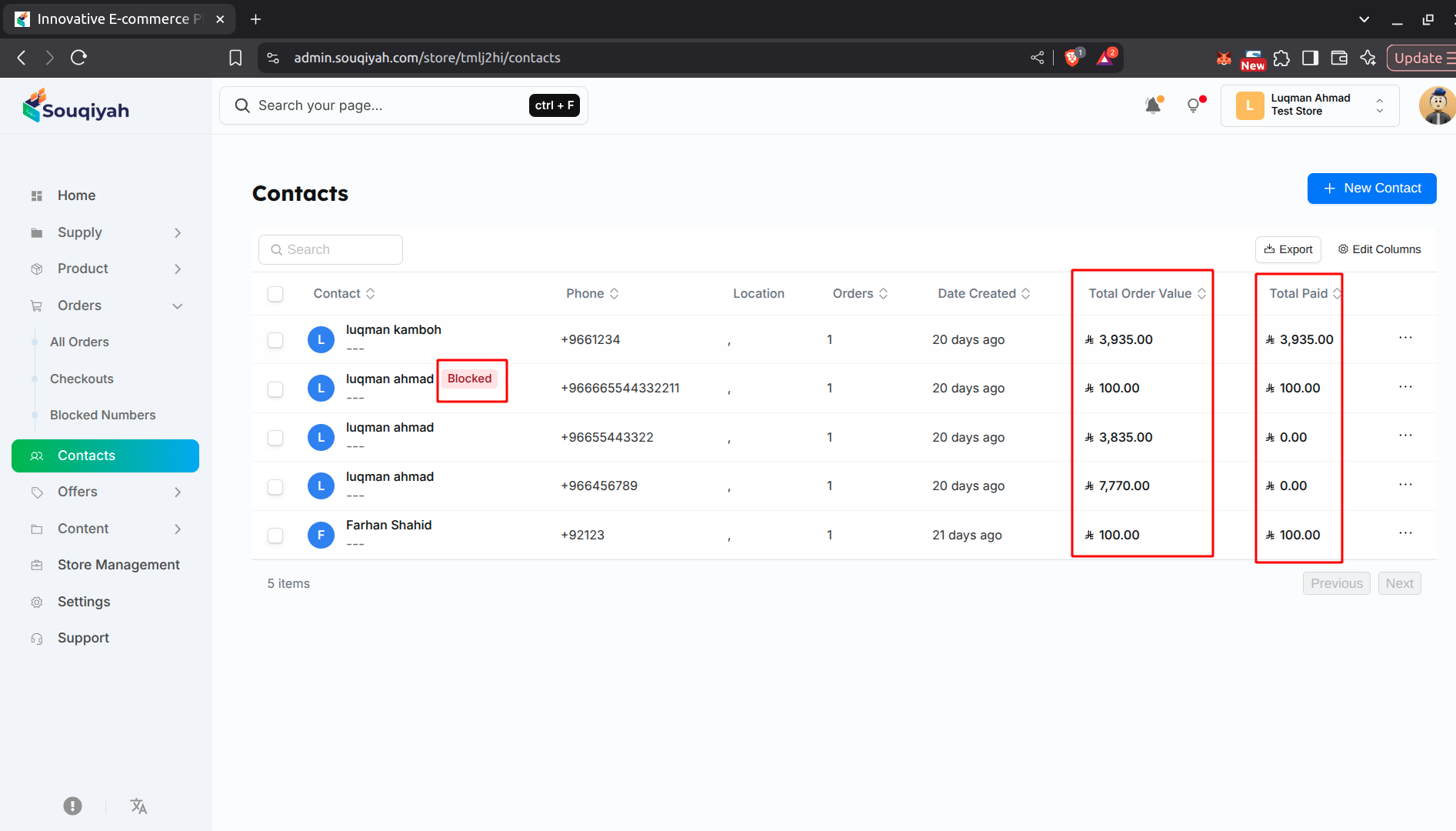
Understanding Segmentation
- Segmentation groups customers by shared characteristics
- Use tags to categorize contacts
- Helps with targeted marketing
- Makes it easier to find specific groups
Step 1: Adding Tags to Contacts
- Open a contact’s details page
- Find the Tags section
- Type a tag name and press Enter
- Add multiple tags as needed
- Tags are saved automatically
Step 2: Common Tag Categories
- Customer Type: VIP, Regular, New
- Purchase Behavior: Frequent Buyer, One-Time, Abandoned Cart
- Location: City, Country, Region
- Interests: Product categories they like
- Status: Active, Inactive, Newsletter Subscriber
Step 3: Filtering by Tags
- Use the filter option in the contacts table
- Select tags to filter by
- View contacts with specific tags
- Combine multiple tags for precise filtering
Step 4: Managing Tags
- View all tags used in your contacts
- Edit tag names if needed
- Remove tags from contacts
- Keep tags consistent across contacts
Step 5: Using Segments for Marketing
- Filter contacts by tags
- Export segmented lists
- Use for email campaigns
- Create targeted promotions
- Personalize communication
Segmentation Best Practices
- Use consistent tag names
- Keep tags simple and clear
- Don’t create too many tags
- Review and update tags regularly
- Use tags that help your business