How to Add a Supplier
What is the Supply System?
The Supply (Dropshipping) system lets you:
- Browse products from suppliers
- Import products to your store
- Sync pricing and inventory
- Request products not available
- Manage supplier relationships
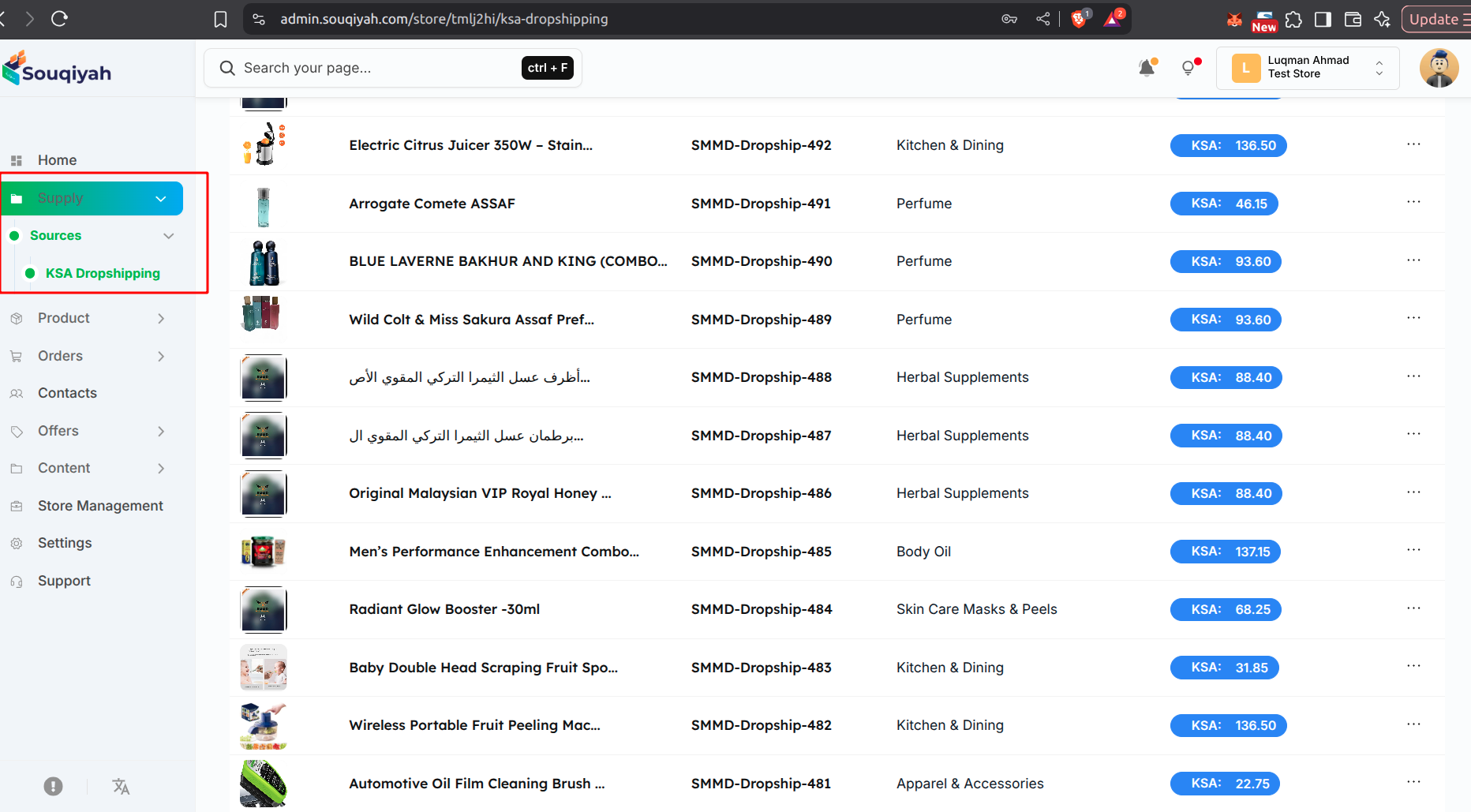
Accessing the Supply Section
- Navigate to Supply:
- Click "Supply" or "Dropshipping" in the sidebar
- You'll see:
- Dropshipping Products (main catalog)
- Requested Products (your requests)